Essential
$79/ month
- 3 cinematic AI videos / month
- 30 image editing credits / month
- 500 color, light and perspective treatments / month
- Listing copy and social designs included
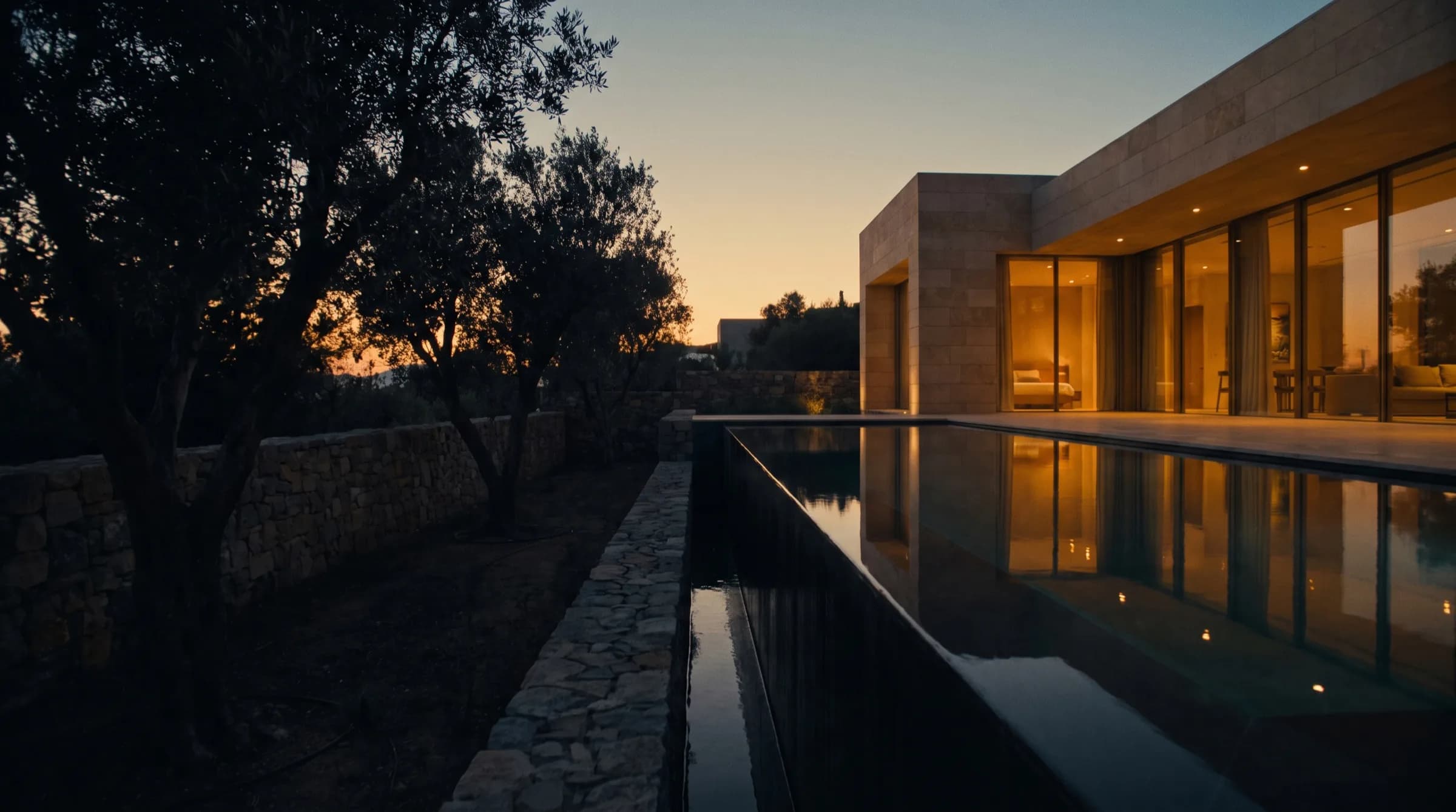
The tenant is home, the property is empty, or the photographs are amateur. Turn the frames you already have into professional images, listing copy and a presentation ready to share.
1 image free · No credit card
Belongings removed
Clutter cleared
Staged in five styles
Light and perspective fixed
Your existing frame is enough
Made from the same frames
Explore the listing's mobile and desktop website. Compare the photograph, change the social design, watch the copy appear and edit it yourself.
Alaçatı / Pool villa
Scroll and explore the gallery — a real listing page
Photography, copy, social content and video. Access every part of your presentation from the same listing.
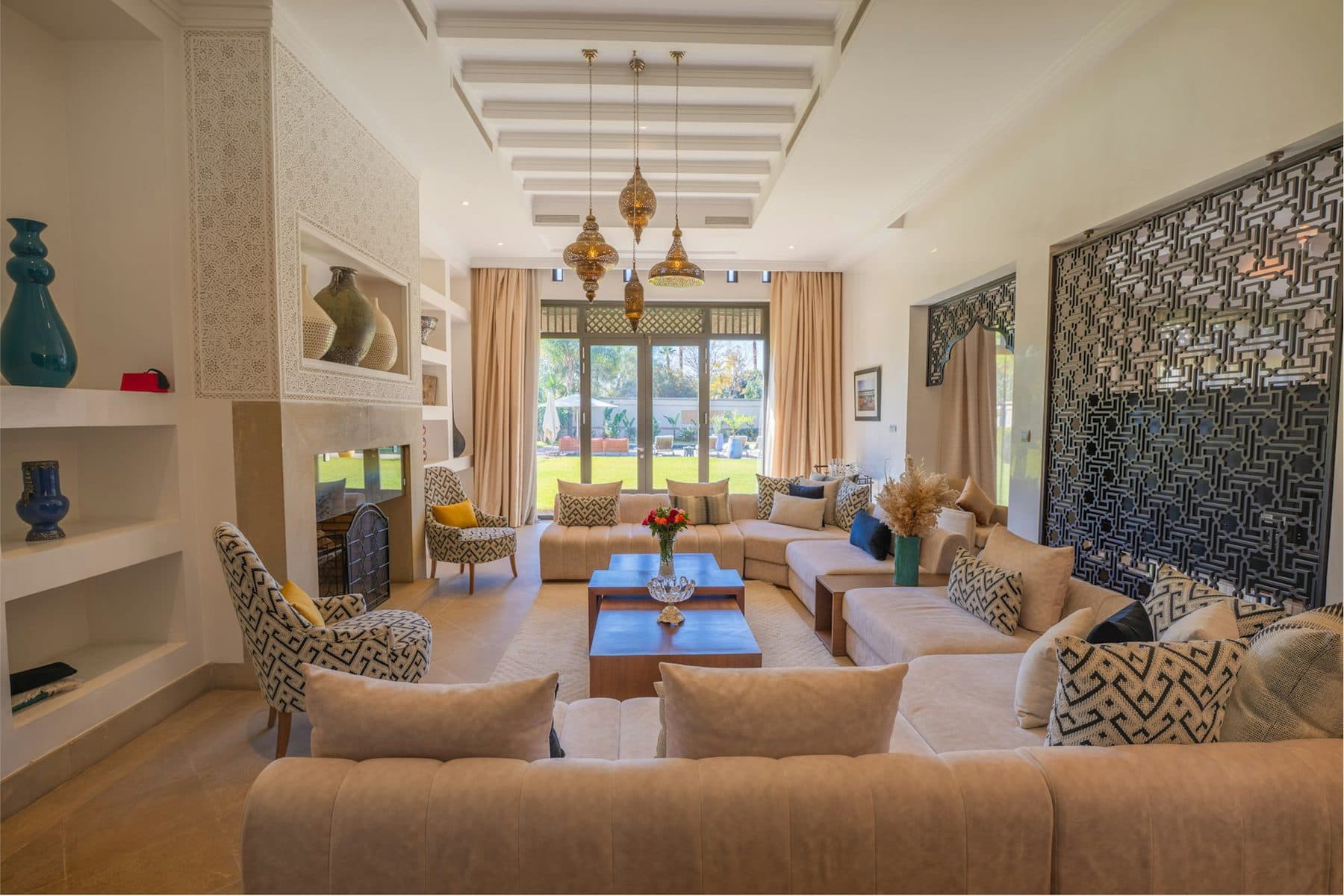
Rooms recognised, light corrected
Portal-ready, in your voice
Post, story, carousel
Light, smooth motion
Print-ready PDF
The portfolio's own film
One field: the property name
Rooms are recognised for you
Images or video
Elvora reads the frames, builds the story, plans the camera movement and edits a 30-second cinematic property film. No prompts to write, no scenes to pick.
This is a short section of the full film; produced with Elvora and not of a real property.
The strongest welcoming frame opens the film.
Inside to outside, establishing the scale.
The film resolves on the property's best feature.
Clear small personal items or choose removal of movable furniture.
Explore the exampleAddress lighting and framing issues in photos taken on your phone.
Explore the exampleExplore modern, Scandinavian, Mediterranean, country and minimal options in the same sample room.
Explore the exampleUse your property's photos as the starting point for video production.
Explore the exampleYour brand settings are defined once and applied automatically to every production. No re-uploading a logo, picking colours or describing tone for each listing.
Defined once, applied to every output.
Learned from your own listings.
Address and door numbers are covered.
Compare architectural details with the original.
Try your first 1-credit image treatment without a credit card. These monthly plans cover work you prepare yourself in the app; virtual staging and video are paid features.
$79/ month
$189/ month
$329/ month
Monthly billing. Annual options and full limits are shown in the app before purchase. Image credits, color treatments and video allowances are separate.
Explore the real sample listing website in mobile and desktop views, compare a photograph pair, change the social format and design, and watch, edit and copy sample text. New AI generation and publishing to social accounts require signing in to the application.
Elvora also works with listing photographs taken on a phone. Upload your images, review the suggested edits for each photograph and choose which to apply.
Set your logo, colors and writing style to use them across listing outputs. You do not need to start over with each property.
No. Create an account and try your first 1-credit image treatment without a credit card. Virtual staging and video generation are not covered by this trial.
Upload your photos; create your professional images, carousel and video in a single flow.
Try for free1 image free · No credit card